
Create, review, and publish a postmortem
Draft a postmortem from a resolved incident, review evidence, publish it, and track follow-up actions.
Before you begin
Resolve the incident first; OpsKnight rejects postmortem creation for an active incident. Confirm the incident timeline and service ownership are accurate and identify the review facilitator and action-item owners.
Open the feature
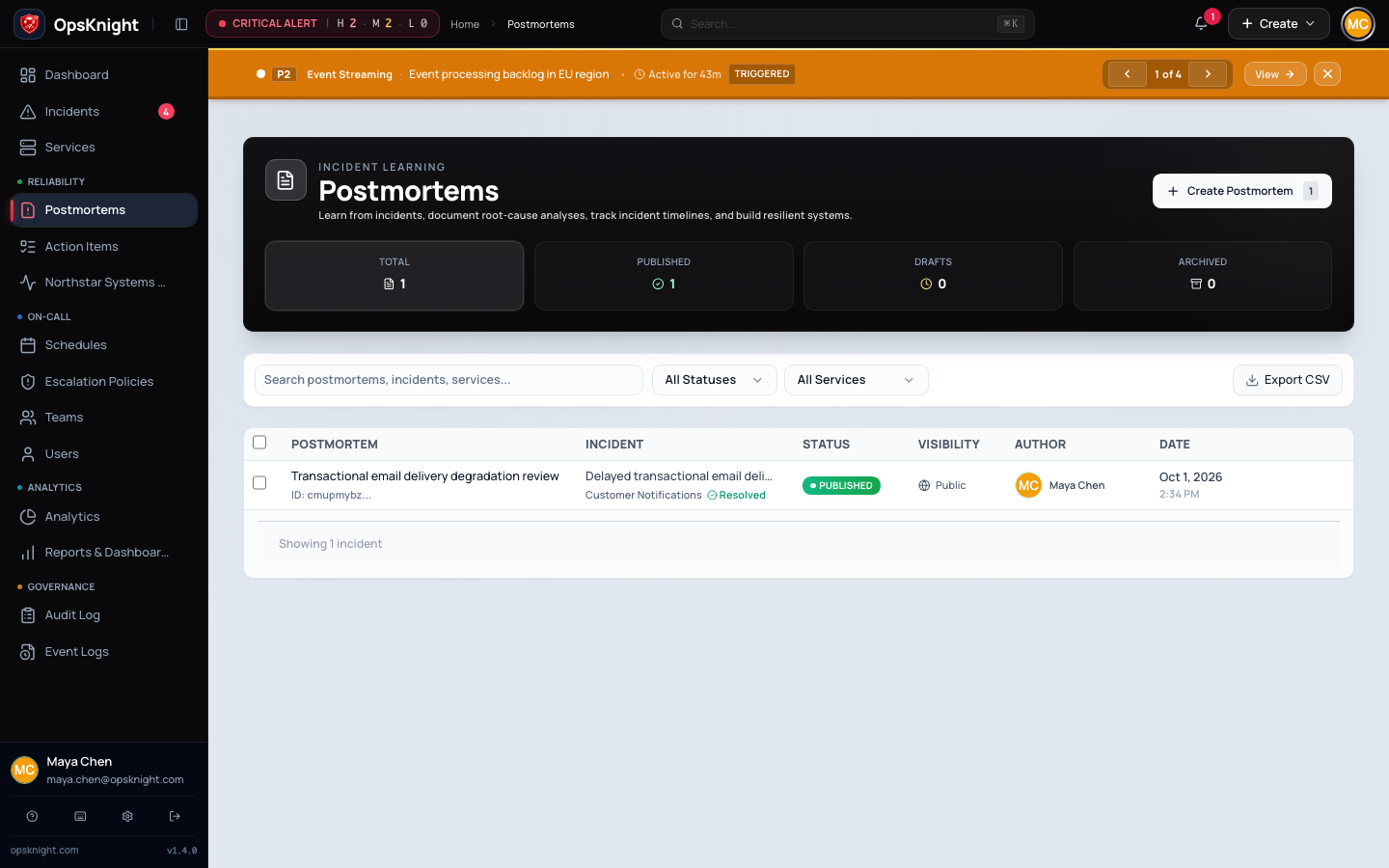
Open Postmortems, or open a resolved incident and select Postmortem.
Configure the draft
Open Postmortems and select Create Postmortem, or open a resolved incident's Postmortem tab. Select the incident when prompted.
- Enter a specific title and stakeholder summary.
- Keep status Draft while evidence and reviewers are incomplete.
- Use Auto-Draft when useful, then verify every generated statement against incident evidence; generated text is a starting point, not an approval.
- Review and correct timeline events.
- Record impact metrics with known units and scope.
- Document root cause narrative, contributing factors, and Five Whys without reducing systemic conditions to individual blame.
- Record resolution and lessons.
- Add action items with owner, due date, status, priority, and an observable completion outcome.
- Save, reopen, and confirm the draft retained all sections.
How the workflow works
OpsKnight maintains one postmortem per incident and synchronizes its saved follow-up list into operational Action Items.
Verify, review, and publish
Run the review with incident responders and relevant service owners. Compare the narrative to the incident timeline, alert history, and customer impact. Remove secrets and unnecessary personal data. Resolve disputed facts in the incident record or explicitly label uncertainty.
Change status to Published only after reviewers accept the learning record. The first publication records its publication time. Publishing does not complete action items. Use the public-status control separately when the postmortem is appropriate for a status-page audience; verify the public rendering contains no internal-only detail.
Remove, archive, or follow up
Track follow-up work in Action Items. Completion should preserve its owner and completion time. If Jira is connected, verify the durable issue key/link and keep OpsKnight status consistent with the supported synchronization workflow.
Use Archived when the record should leave the active review set without being deleted. Delete only when policy authorizes permanent removal; deletion and bulk deletion are not substitutes for archival.
Troubleshooting
- Incident cannot be selected: it must exist, be resolved, and be readable.
- Edit is forbidden: the user must be an administrator, creator, assignee, or qualifying service-team member under the current authorization rules.
- Auto-Draft fails: save manual work and review incident timeline data; do not block the review on generated narrative.
- Published record is not public: publication status and public visibility are separate controls.
- Action item disappears: save the full current action-item list; removed items are deleted during synchronization.
Next steps
Last updated for v2.0.0
Edit this page on GitHub