
Publish a status update
Communicate an incident through a deliberately scoped status page.
Before you begin
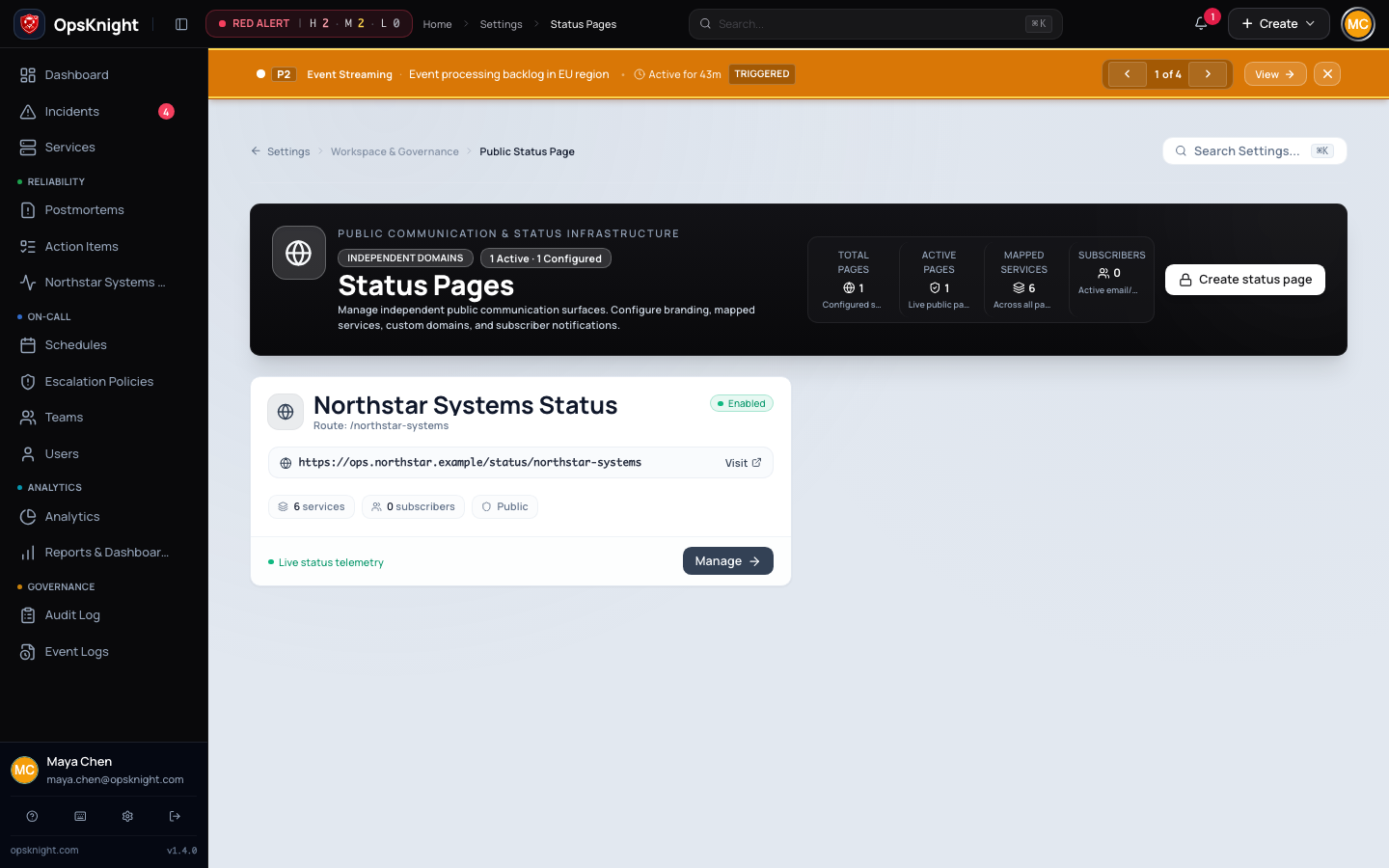
Configure the single supported status page and map the affected services.
Identify the customer-facing impact, approved wording, affected services/components, intended component state, privacy settings, and person authorized to publish. Internal incident visibility does not automatically define public output.
Open the feature
Open Settings → Status page to review the single installation-wide page and service/component mapping. During response, open the incident's status communication controls.
Configure the update
- Confirm the affected internal services are mapped to the intended public components.
- Select the incident/component state that accurately describes customer impact.
- Write a concise customer-safe title and update: impact, start/current state, mitigation or next action, and next-update expectation.
- Review whether title, description, assignee, urgency, custom fields, timestamps, and history are allowed to cross the privacy boundary.
- Preview where available and publish.
What OpsKnight does
OpsKnight projects deliberately selected incident/service state into one supported status page. The projection layer controls public fields; it does not serialize the internal incident directly. Subscriber and webhook delivery are asynchronous and separate from page rendering.
Verify it worked
Open the public or authenticated page through the same hostname/audience customers use, preferably in a signed-out/private browser. Confirm component state, wording, timestamps/history, privacy, and mobile layout. Inspect subscriber/webhook delivery separately and allow for documented cache/custom-domain delay.
Change or undo the update
Publish a correcting/follow-up update rather than rewriting history silently. When service health is restored, publish the resolution/normal component state and verify the public page plus subscriber projections. Unmap a service only after confirming it should no longer appear; OpsKnight 2.0 supports one status page, not a second replacement page.
Troubleshooting
Internal incident changed but page did not: verify deliberate publication/projection state, service mapping, projector heartbeat/backlog, and current incident generation.
Wrong information is public: publish a correction immediately, tighten privacy/projection settings, and review the exposure/audit trail.
Custom domain is stale/unreachable: compare canonical page, DNS/TLS, proxy/cache, and configured public URL before changing incident state.
Subscribers were not notified: inspect subscriber/webhook delivery operation separately from successful page projection.
Next steps
Last updated for v2.0.0
Edit this page on GitHub