
Attach an escalation policy to a service
Select, save, verify, and safely replace the escalation policy used by a service's new incidents.
Before you begin
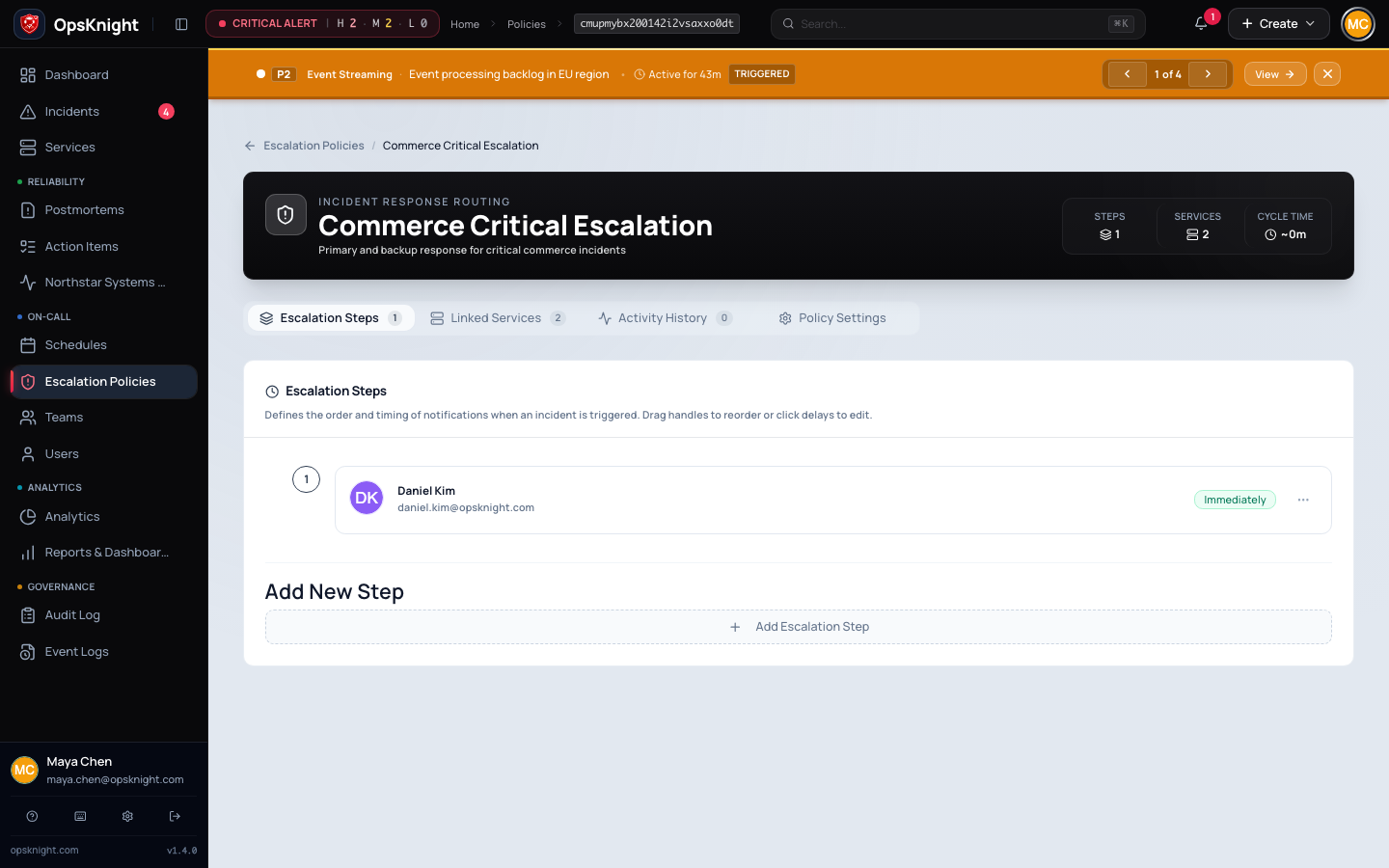
Create/validate a policy and confirm its targets/channels are suitable for the service. Identify change window and current incidents affected by existing policy generations.
Open the feature
Open Services → select service → escalation/response configuration.
Configure the attachment
- Select the intended escalation policy.
- Review service ownership, urgency/notification context, and policy name.
- Save the service.
- Reopen/refresh and confirm the selected policy remains.
What OpsKnight does
New incident escalation uses the service's selected policy and records/executed generation according to product lifecycle. Changing the service does not recall notifications already sent for active incidents.
Verify it worked
Create a controlled incident on that exact service and inspect attached policy/current step/target plus delivered notification. A policy directory view alone is insufficient.
Change or undo it
Reattach the prior valid policy, save, and retest. Never leave a production service without a viable escalation route during replacement.
Troubleshooting
Policy absent from selector: verify it exists, access/tenant scope, and current validity.
Incident uses unexpected policy: confirm incident service and creation time versus service change; inspect recorded generation/current state.
Next steps
Last updated for v2.0.0
Edit this page on GitHub