
Test an escalation policy
Validate target resolution, timing, notification delivery, acknowledgement behavior, and fallback progression end to end.
Before you begin
Use a test service/window, tell responders, attach the policy, verify schedule/team targets and endpoints, and decide whether the test should acknowledge first step or intentionally advance.
Open the feature
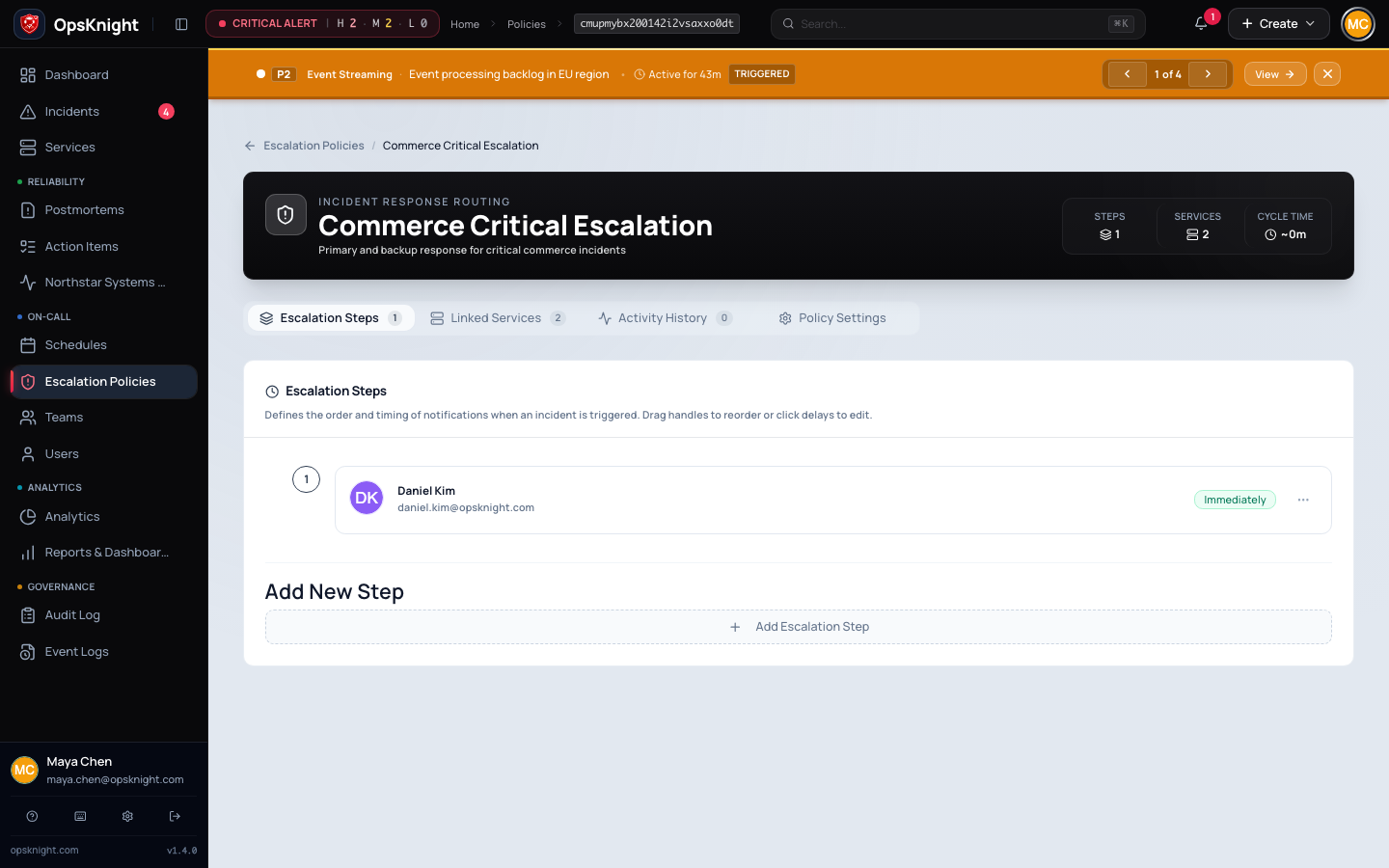
Open the policy and attached test service, then record current targets/timing.
Configure the test
Create a unique test incident title, expected recipient/channel/timestamps, acknowledgement actor, and cleanup plan. Avoid unintended production paging.
Complete the action
- Trigger the controlled incident.
- Observe policy/target resolution and first delivery.
- Acknowledge or intentionally let the next step advance.
- Inspect delivery history/timeline.
- Resolve the test incident.
What OpsKnight does
OpsKnight evaluates current open state, policy generation, runtime target eligibility, scheduler timing, queue/provider delivery, and acknowledgement/terminal suppression.
Verify it worked
Compare expected and actual recipients/channels/timestamps, delivery results, timeline, acknowledgement actor, later-step behavior, and final resolution. Retain objective evidence.
Change or undo the test
Resolve and clearly label the test, remove temporary service/policy/override changes, and notify accidentally paged recipients. Preserve audit/delivery evidence.
Troubleshooting
No delivery: trace service attachment → policy step → target resolution → endpoint preference → queue → provider result.
Next step did not stop: verify acknowledgement state/time and incident/policy generation; inspect scheduler/worker logs/metrics.
Next steps
Last updated for v2.0.0
Edit this page on GitHub