
Create and manage a service
Create a service, assign ownership and response settings, verify integrations, and safely retire it.
Before you begin
Identify the service owner/team, escalation policy, notification destinations, integration sources, and retirement requirements. You need service-management permission.
Open the feature
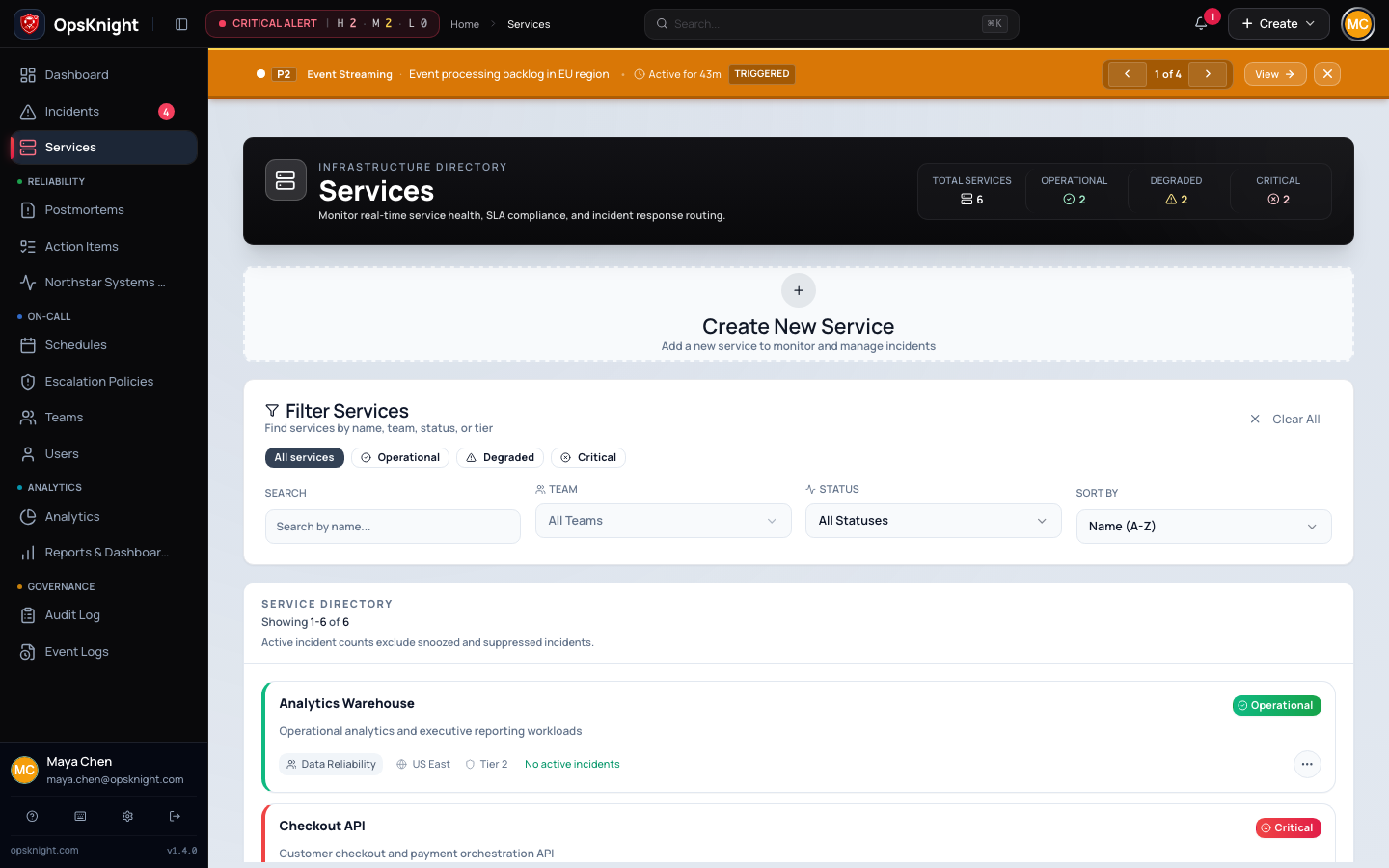
Open Services. Select an existing service or choose Create service.
Configure the service
- Enter a unique, recognizable name and useful description.
- Assign the responsible team and verify membership/lead coverage.
- Attach the tested escalation policy and verify its steps target the intended on-call schedule. A service does not attach a schedule directly.
- Open Notifications and configure provider destinations and routing.
- Open Integrations or Webhooks and add only sources that belong to the service; send a synthetic test from each source.
- Configure Slack/Teams, Jira, status-page participation, and incident defaults where required by the operating model.
- Save, reload, and open the service overview.
How service ownership works
Service scope controls incident routing and is reused by reports, dashboards, integrations, teams, and status communication. Changing its team or policy affects future routing; it does not rewrite historical incident ownership.
Verify the service
Send a controlled test alert. Confirm it creates or updates the expected incident, selects the intended policy/on-call responder, reaches every intended destination once, and is visible to the correct team.
Remove or retire a service
Stop inbound sources first, remove destinations/secrets, preserve required incident and audit history, and reassign dependent objects. Delete only after dependency warnings are resolved and retention policy permits it.
Troubleshooting
- Wrong responder: inspect attached policy, schedule coverage, and overrides.
- No notification: separate ingestion, routing, queue, provider, and destination state.
- Test creates duplicates: verify integration deduplication key and service mapping.
- Cannot edit/delete: confirm permission, ownership, and dependent objects.
Next steps
Last updated for v2.0.0
Edit this page on GitHub