
Add an on-call override
Temporarily replace scheduled coverage without rewriting the rotation.
Before you begin
Identify the covered responder, replacement responder, and exact time window.
Open the feature
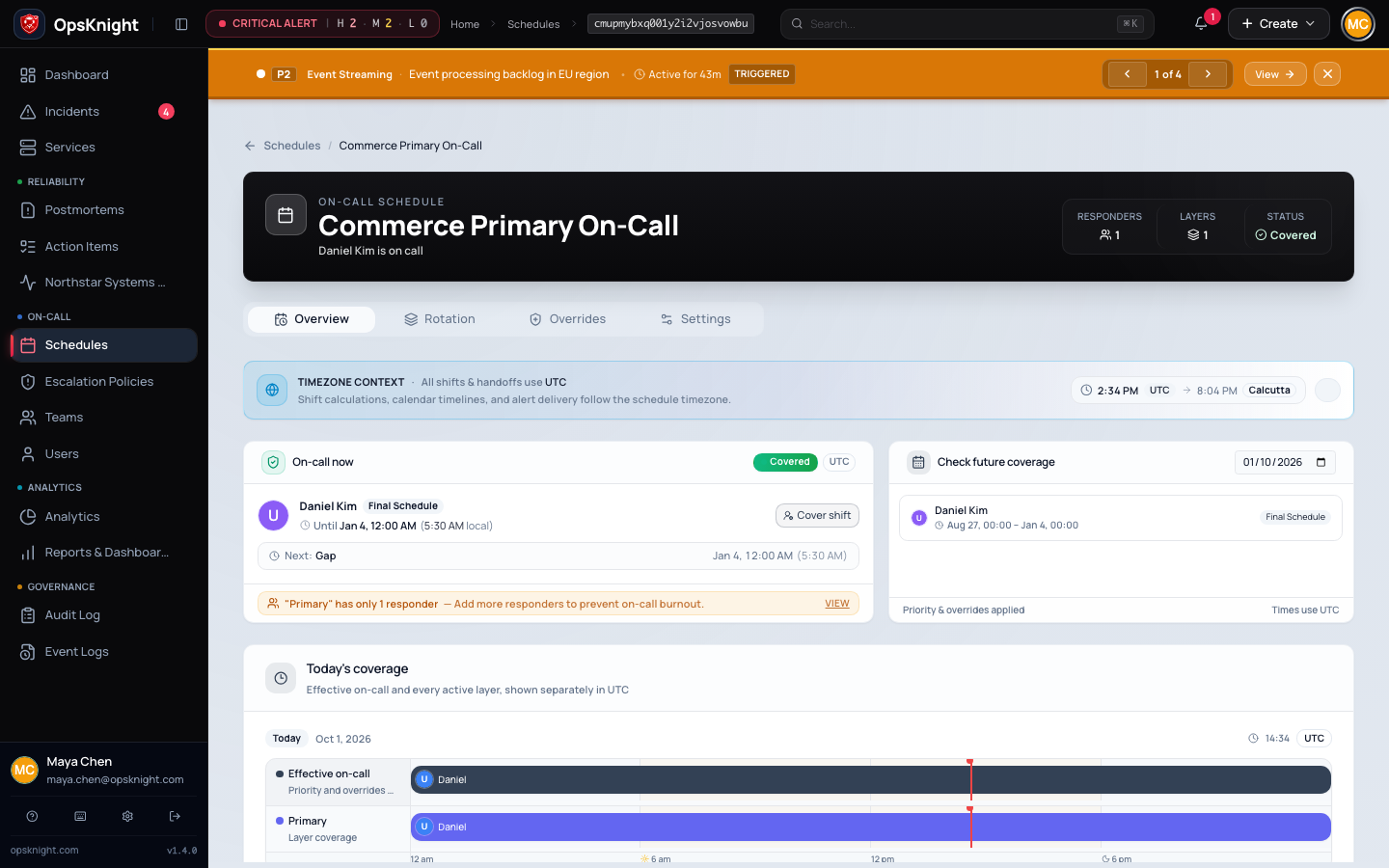
Open Schedules → select schedule → Overrides.
Configure the override
- Select the replacement responder and explicit start/end times.
- Verify effective on-call ownership inside and outside the override window.
Open the schedule, create an override with replacement responder, start, and end times, and verify the resulting coverage preview. Use an override for a bounded exception; edit the layer only when the recurring rotation itself is wrong.
Avoid overlapping overrides for the same responder and interval. Record times in the schedule's displayed time zone and verify their stored UTC boundaries.
What OpsKnight does
The bounded override replaces effective ownership during its window without rewriting recurring layer order. After the window, schedule computation returns to the underlying layers.
Verify it worked
Inspect a timestamp before, inside, and after the window. Confirm the expected responder and run a controlled route test when the override affects production paging.
Remove or change the override
Edit/remove the override through the schedule controls, then recheck inside/outside timestamps. For a recurring change, update the layer instead.
Troubleshooting
Wrong window: verify schedule display time zone, entered local time, stored UTC boundary, and DST.
Override loses to another exception: inspect overlapping overrides and remove ambiguity rather than relying on implicit precedence.
Next steps
Last updated for v2.0.0
Edit this page on GitHub