
Configure on-call rotations
Add responders, handoff intervals, coverage restrictions, and layer precedence to an on-call schedule.
Before you begin
Create the schedule and define responder order, handoff interval, first handoff, time zone, and required daily/weekly coverage.
Open the feature
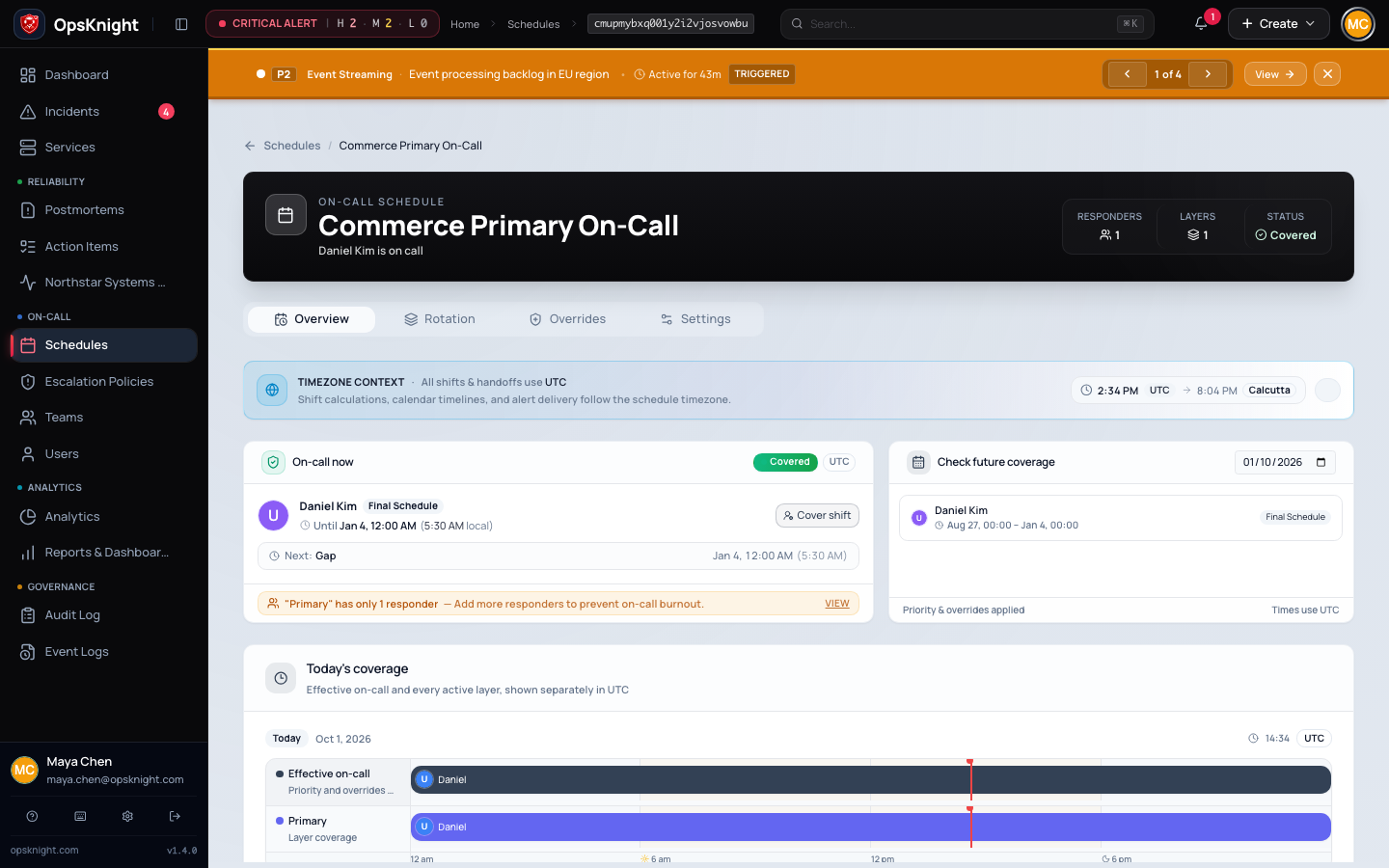
Open Schedules → select schedule → Layers/rotation controls.
Configure a rotation
- Add a layer with a descriptive name.
- Add active responders in intended order.
- Set the rotation start and handoff interval.
- Configure any supported coverage restrictions deliberately.
- Save and inspect the effective preview.
- Add another layer only for a distinct coverage purpose; document overlap/precedence.
What OpsKnight does
OpsKnight computes effective ownership at a timestamp from active layers, responder order, handoff interval, restrictions, time zone, and overrides. Layer membership is recurring; overrides are temporary.
Verify it worked
Check representative timestamps across several handoffs, coverage boundaries, weekends, and a DST transition. Confirm current and next responder and ensure no accidental overlap/gap.
Change or undo it
Use overrides for temporary swaps. For a recurring change, update the layer and verify past/current/future preview before relying on it. Remove a layer only when another layer/policy preserves coverage.
Troubleshooting
Same responder remains on call: inspect responder count/order, interval, layer start, and eligible active accounts.
Layers overlap unexpectedly: review restrictions and precedence; simplify rather than relying on ambiguous overlap.
Next steps
Last updated for v2.0.0
Edit this page on GitHub