
Configure on-call for your first service
Create verified coverage, build a paging policy, and attach it to the service.
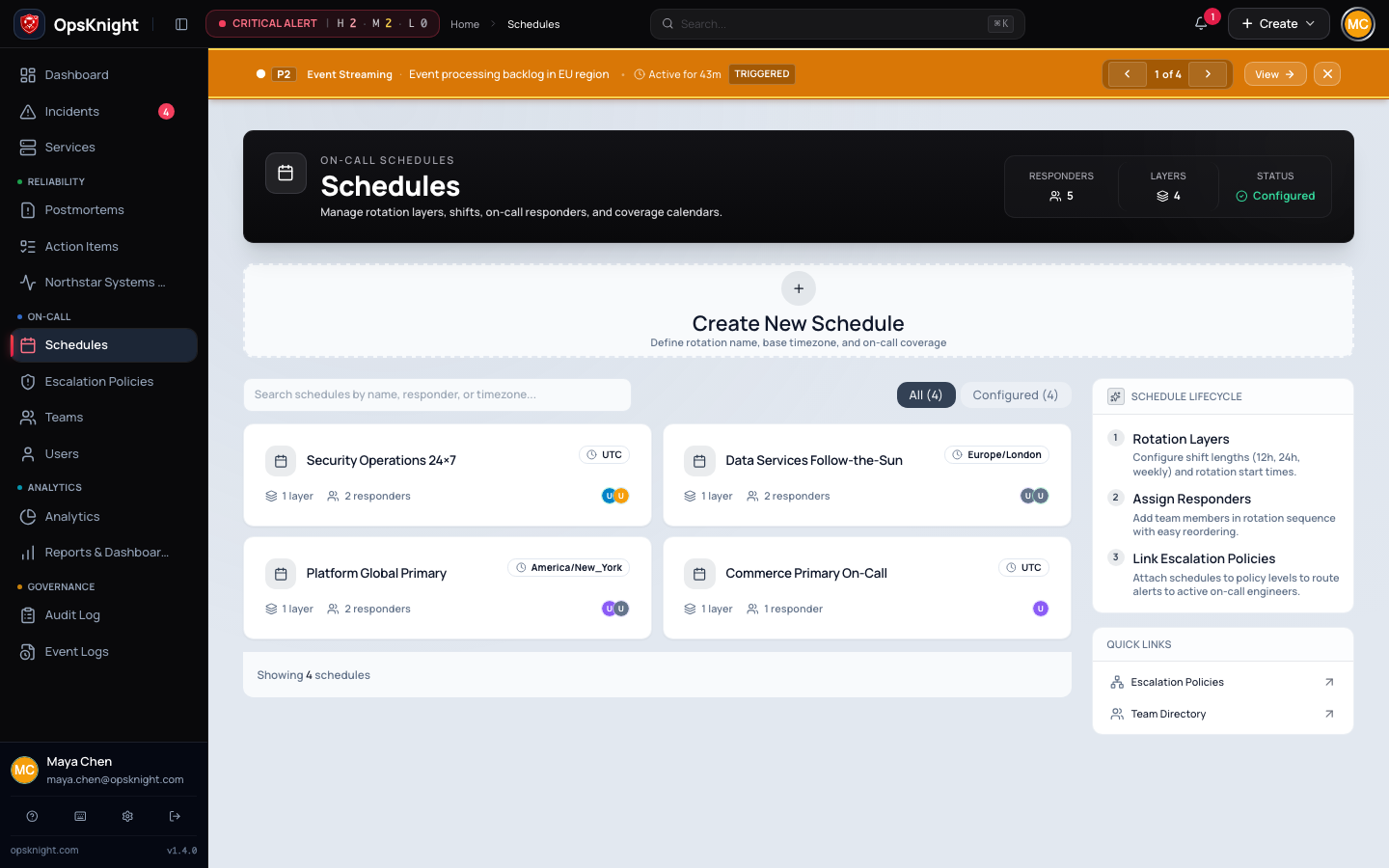
This tutorial creates a one-responder schedule for a safe first alert. Expand it into a production rotation only after the end-to-end test succeeds.
Before you begin
Complete Create your first team and service. The responder must be active and should have at least one usable personal notification destination.
1. Create continuous test coverage
- Open Schedules and expand Create Schedule.
- Name it after the test service, for example
Checkout API Primary. - Select the time zone that owns handoffs, then create and open it.
- Under Rotation layers, select Add Layer.
- Name the layer
Primary, set the handoff interval to168hours, and leave This layer is active for empty. - Set First responder starts to a time in the past.
- Leave the end date and repeating coverage restrictions empty for 24×7 coverage.
- Add the test responder and save.
Check Current coverage. It must show the test responder. If it shows no coverage, do not continue; use the schedule troubleshooting steps.
2. Create the escalation policy
- Open Escalation Policies and select Create Policy.
- Name it
Checkout API Pagingand describe its test purpose. - Open the policy and select Add Escalation Step.
- Choose Schedule (On-Call) and select the schedule.
- Set Delay to
0. - Leave conditions empty so the first test incident matches.
- Select only the personal channels already configured for the test responder.
- Add the step.
Expected result: step 1 targets the schedule immediately. A selected channel is only an allow-list; the responder must also enable it and have valid destination data.
3. Attach the policy to the service
- Open Services → Checkout API.
- Open the service's general settings.
- Select
Checkout API Pagingunder Escalation Policy. - Save the settings.
- Return to the policy and confirm the service appears under Linked Services.
The route is now service → policy → schedule → current responder → enabled personal channel.
4. Preflight the route
Before sending an alert, verify every link:
- the service shows the correct policy;
- the policy has a zero-minute first step;
- the schedule shows current coverage;
- the responder is active;
- the selected channel is enabled in the responder's notification preferences;
- the corresponding provider is healthy.
Continue with Receive your first alert.
For multiple responders, restrictions, daylight-saving behavior, gaps, and overrides, use Build an on-call schedule, Schedule overrides, and Configure an escalation policy.
Last updated for v2.0.0
Edit this page on GitHub