 OpsKnight
Change coverage without rebuilding the rotation.
Use an override for planned leave or a last-minute swap. Review its time window and validate that the intended responder owns the affected interval.
Read the operational guideON-CALL & ESCALATION
Build rotations, schedule overrides and escalation policies around the people responsible for each service.
WHAT IT SOLVES
Build rotations around real team availability, time zones and coverage. Verify the effective on-call responder instead of relying on how a calendar looks.
Understand the capability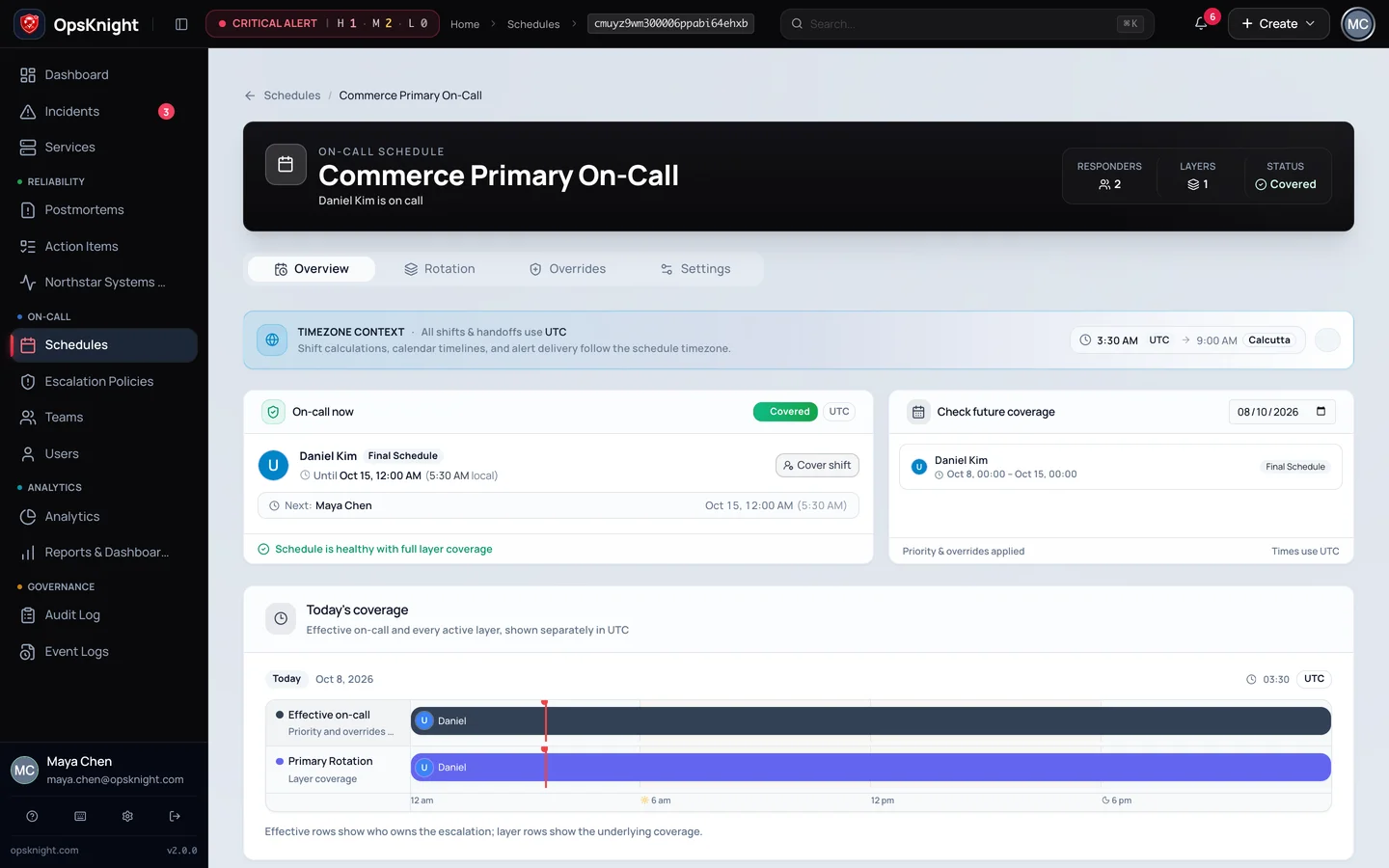
HOW IT WORKS
EXPLORE A WORKFLOW
Schedules resolve the responder at execution time. Inspect coverage in the intended time zone.
OPERATIONAL DEPTH
The details below are the parts teams need when evaluating how the capability behaves during real response, failure, and handoff.
Use an override for planned leave or a last-minute swap. Review its time window and validate that the intended responder owns the affected interval.
Read the operational guideAn escalation step can target a user, team or effective schedule. Set explicit delays and channels, then test unavailable users and empty schedules before relying on the policy.
Read the operational guideReview active incidents, current ownership and incoming coverage together. A schedule transition is an operational handoff, not a guarantee that every open incident was understood.
Read the operational guideValidate the selected responder, healthy endpoints and delivery evidence with a synthetic incident. A saved schedule alone does not prove an end-to-end page.
Read the operational guideKNOW BEFORE PRODUCTION
Use a test service and representative provider configuration before treating on-call & escalation as production incident infrastructure.
Capability-enabled Microsoft Teams cards; no manual escalation control in Web or standard Slack incident actions.
Run OpsKnight on infrastructure you control.
v2.0.0 · AGPL-3.0-only · Self-hosted · 28 inbound integrations